
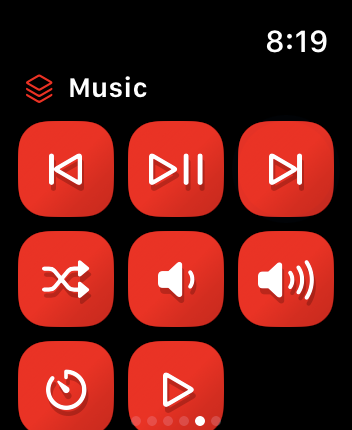
Your actions. One tap away.
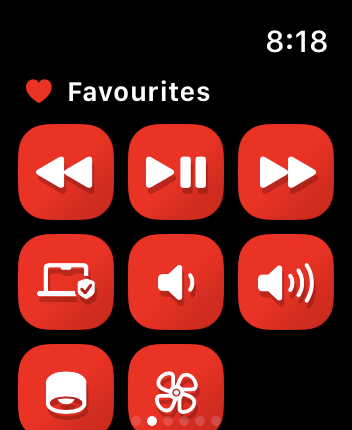
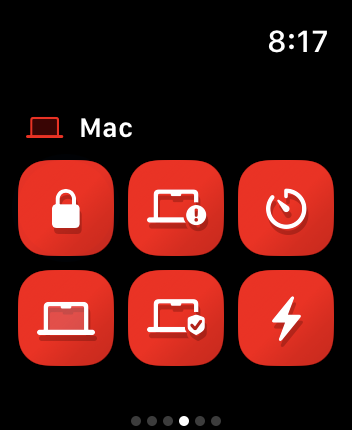
Control music, open apps, or run your own workflow. Bring your Mac’s Shortcuts and AppleScripts together.
Run your Mac’s Shortcuts and AppleScripts.
Right from your iPhone or Apple Watch.
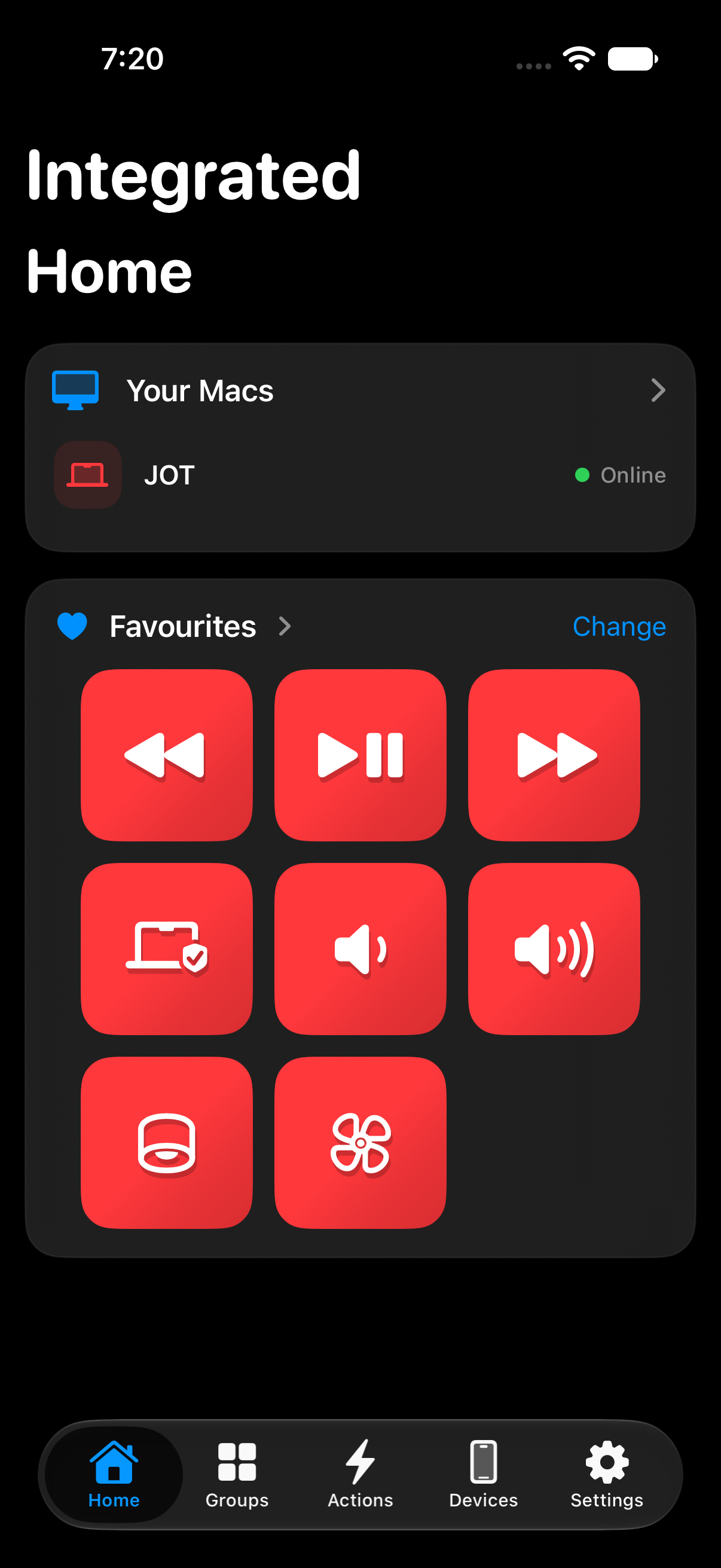
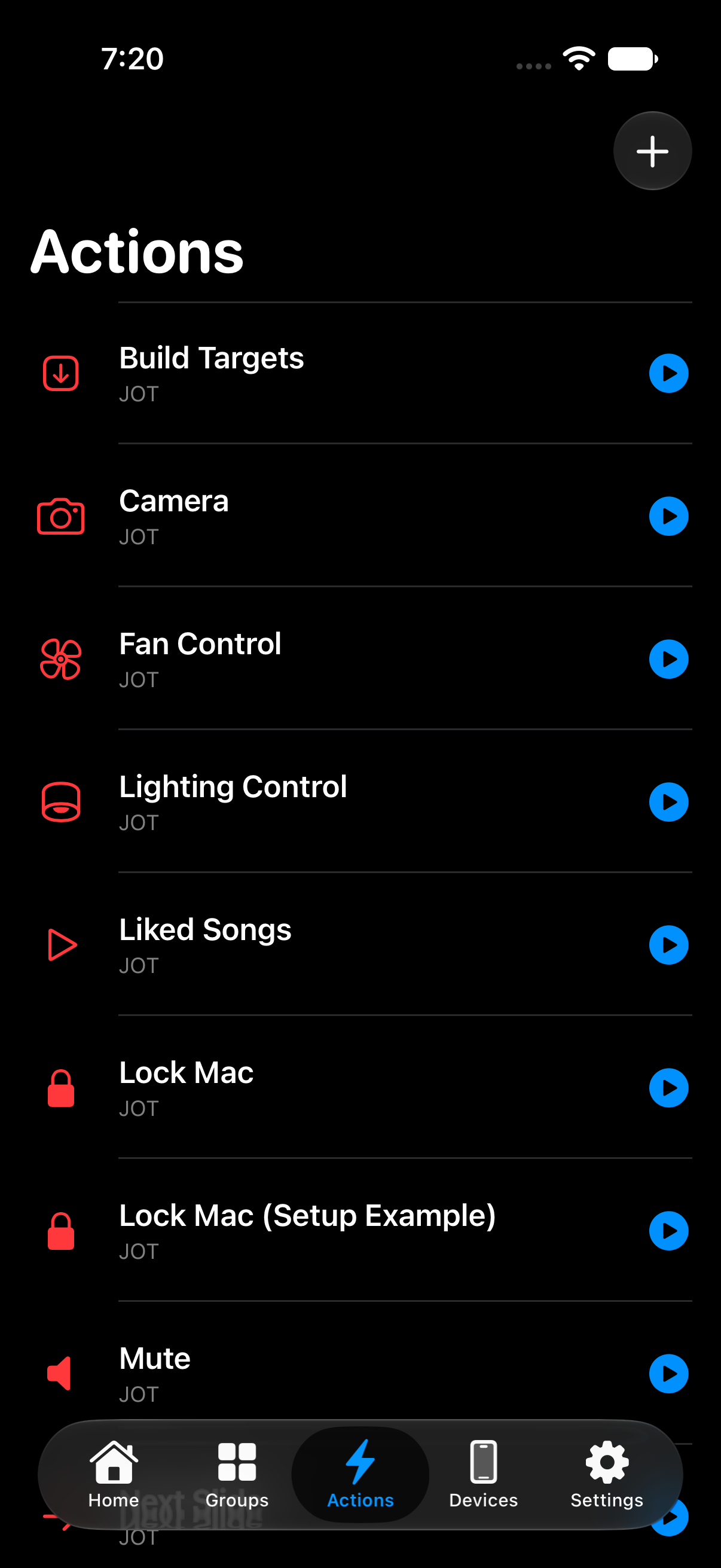
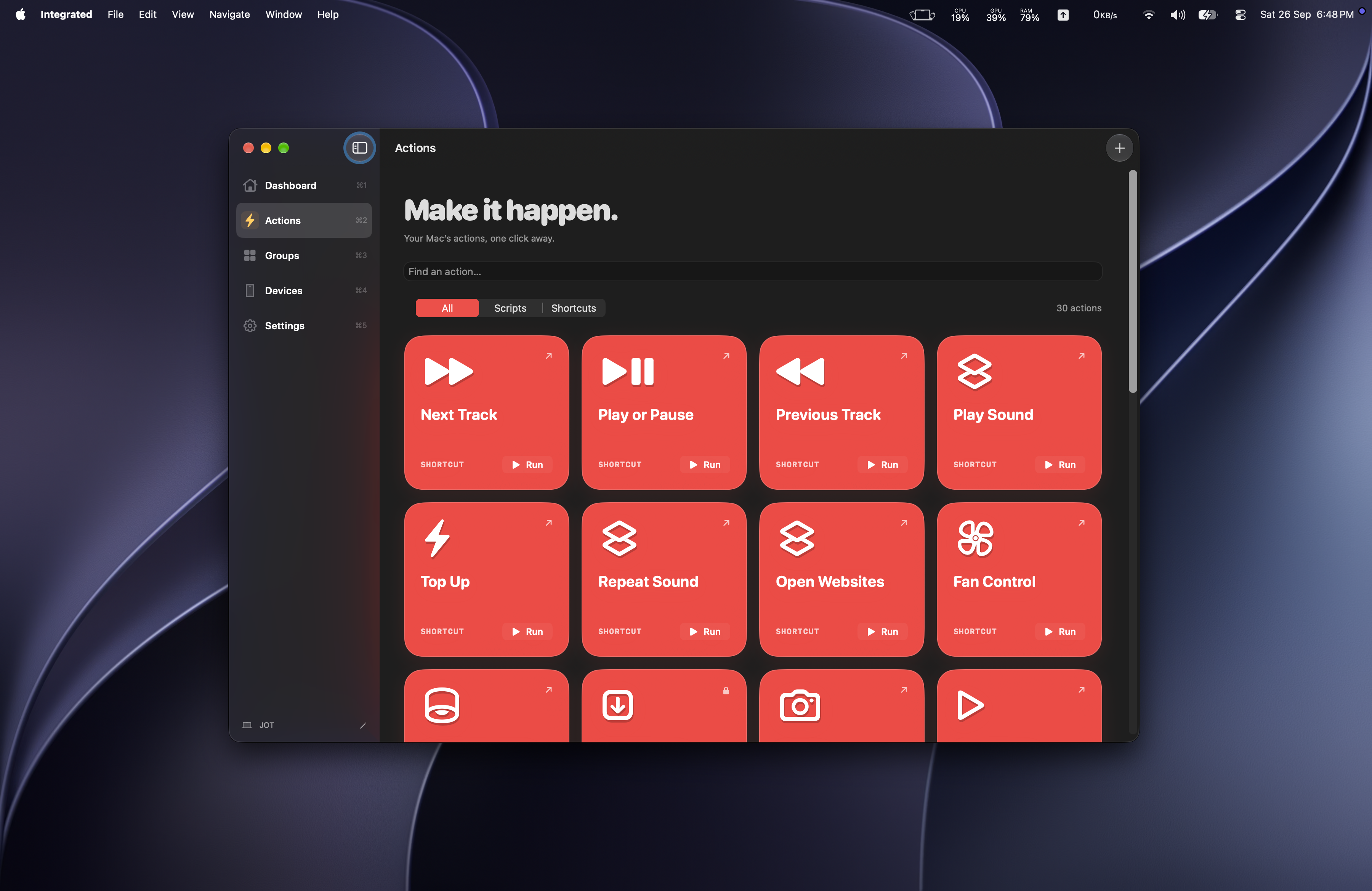
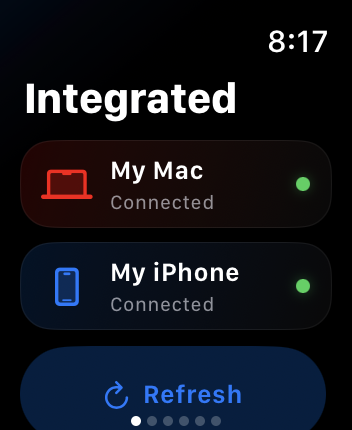
Control music, open apps, or run your own workflow. Bring your Mac’s Shortcuts and AppleScripts together.
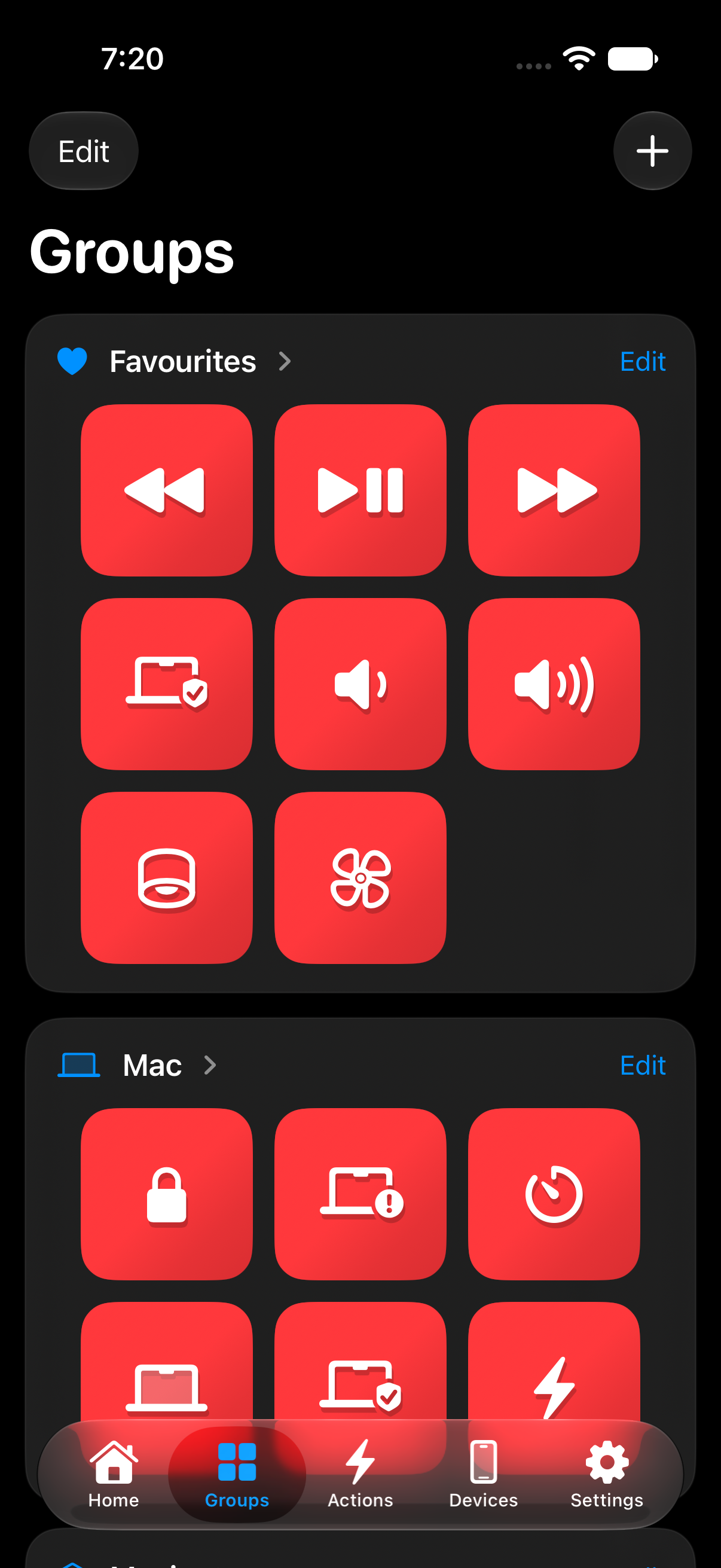
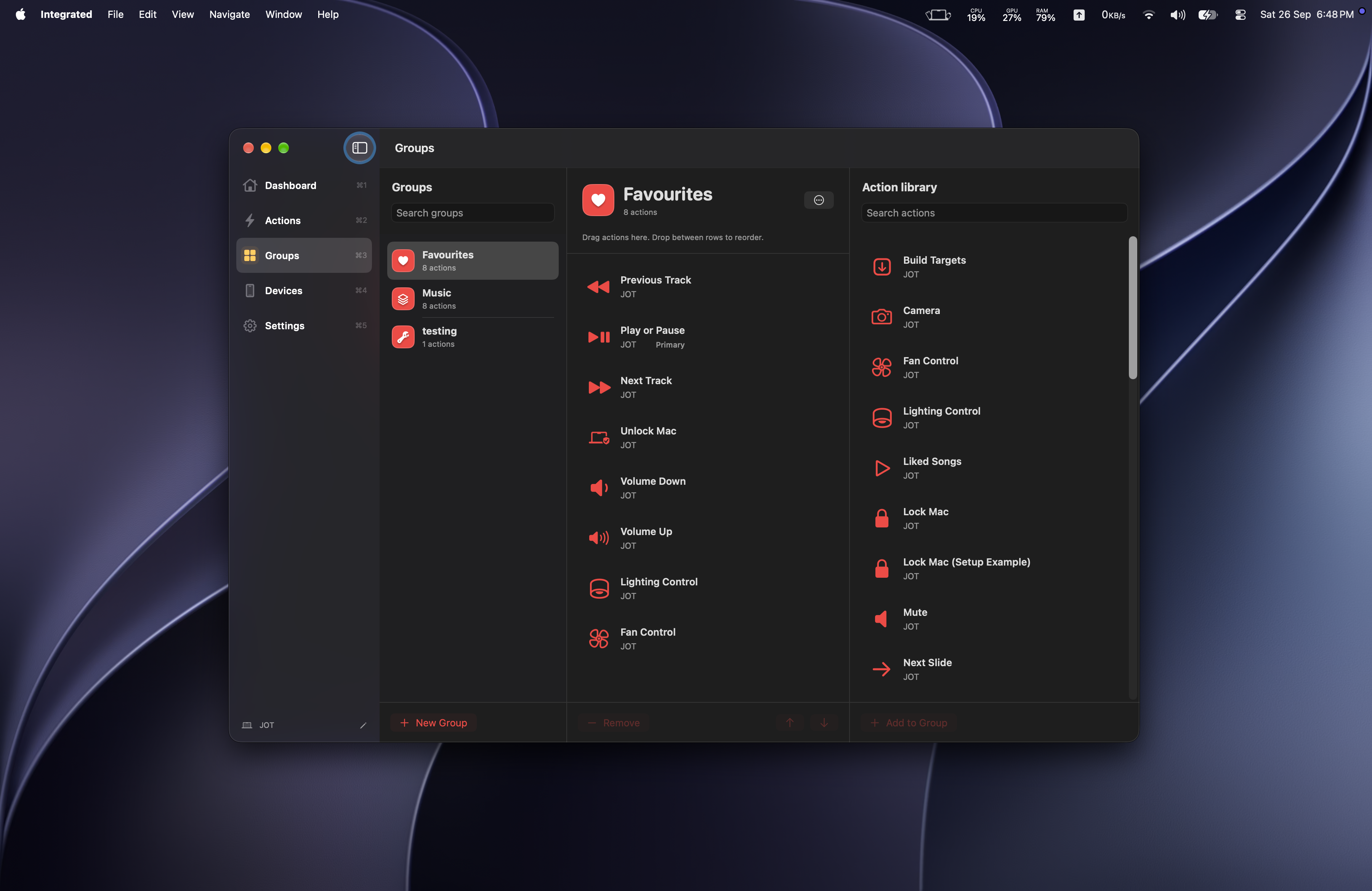
Keep related controls together. Give each Group a name and icon, then choose a primary action for your Watch.
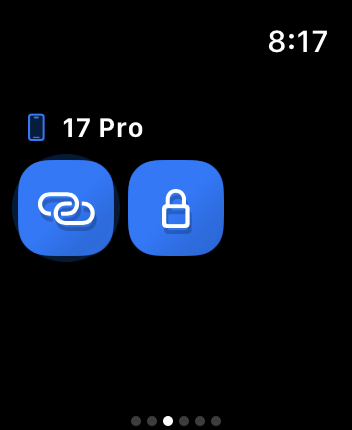
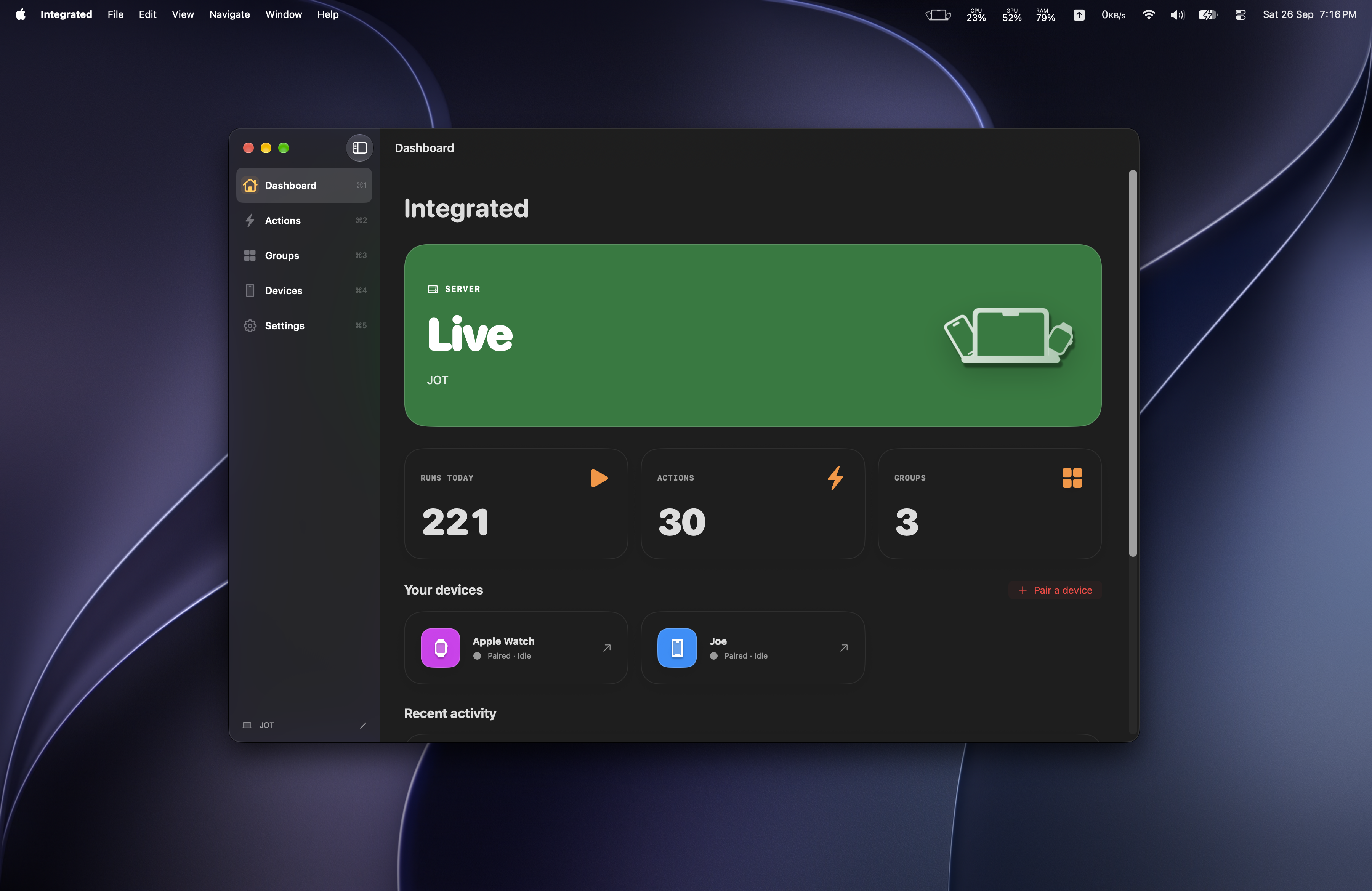
Pair with a code and approve on your Mac. Your actions travel over an authenticated, encrypted local connection.
Action marketplace
Ready-to-install actions for the apps you use. Spotify is the first collection, with more to come.
Explore the marketplaceFirst collection: Spotify
Open Integrated on your Mac. Add a Shortcut, write an AppleScript, or install an action from the library.
Pair your iPhone and approve it on your Mac. Open Integrated on your Apple Watch.
Choose a Group, then tap an action on your phone or wrist. Your Mac takes it from there.

Integrated for Mac, iPhone, and Apple Watch.